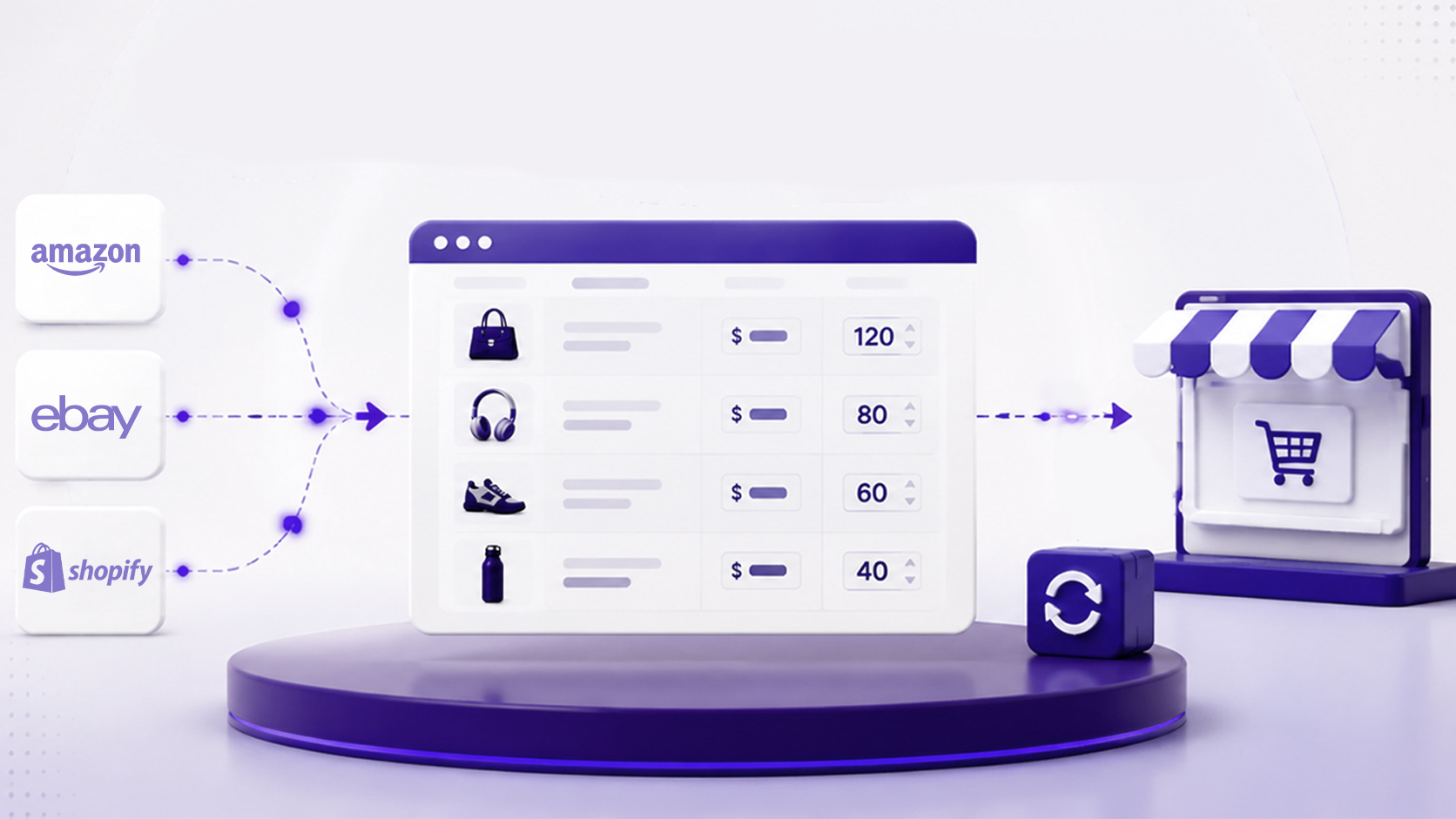
How to Find Products to Sell: 1688 & Shopify Guide
Finding the right products is the first step toward building a successful ecommerce business. But where can you discover trending products, find reliable suppliers, and add products to your Shopify store? Supply-CN makes product discovery easier by bringing together 1688 best-selling products, industry-specific sourcing solutions, and additional Amazon product resources. Here's how to explore these resources and take the next step with HQ.
01. Find Products on 1688 Through Supply-CN
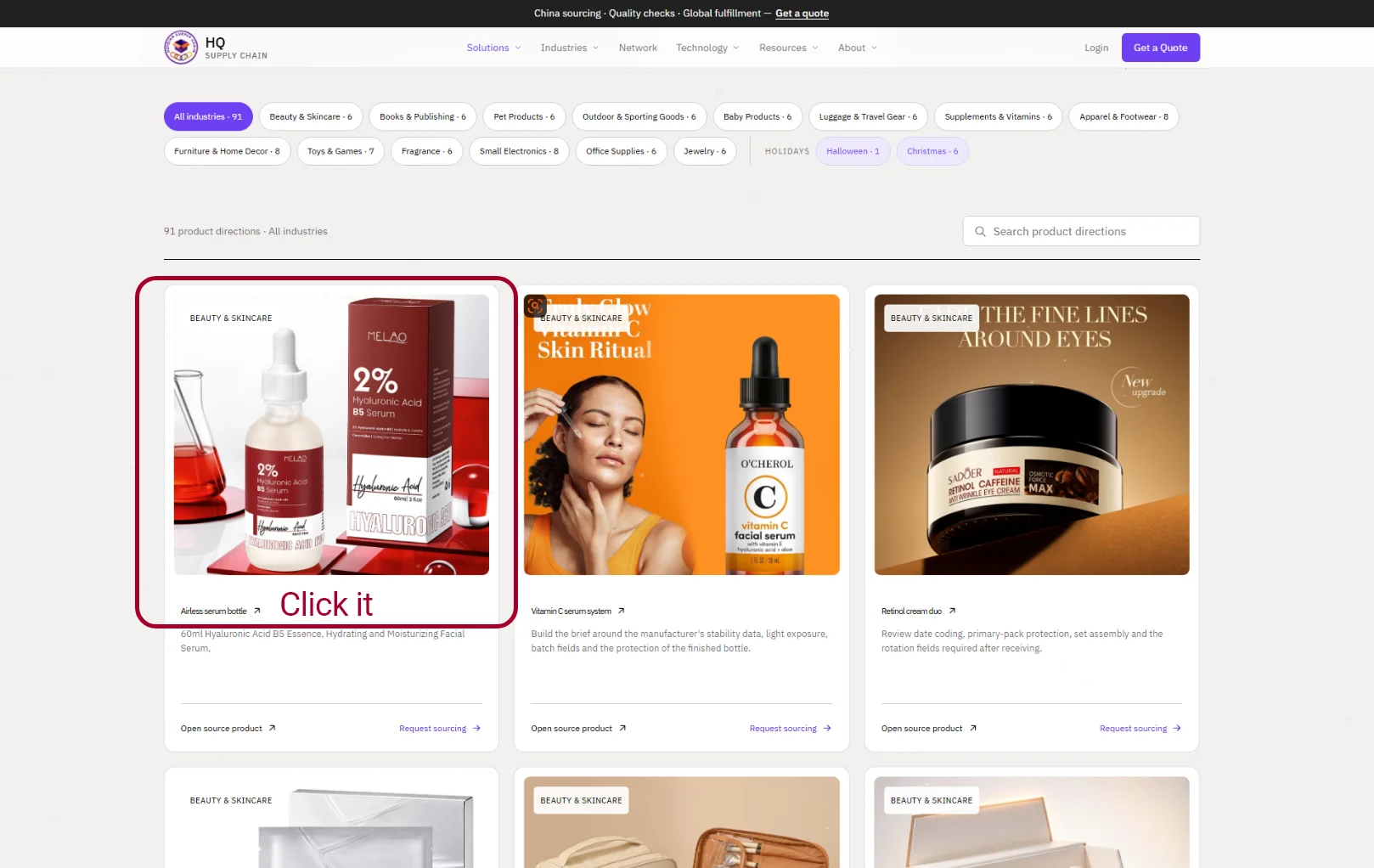
Start by visiting Supply-CN Winner Products to explore our collection of popular products from the 1688 marketplace. Our product catalog covers multiple categories, making it easier to discover products for different ecommerce businesses.You can explore categories such as:
Beauty & Skincare
Apparel & Footwear
Furniture & Home Decor
Luggage & Travel Gear
Jewelry & Fragrance
Baby Products
Pet Products
Outdoor & Sporting Goods
Supplements & Vitamins
Toys & Games
Small Electronics
Books & Office Supplies
How to find and save product source links:
Browse the product catalog and select a category that matches your business.
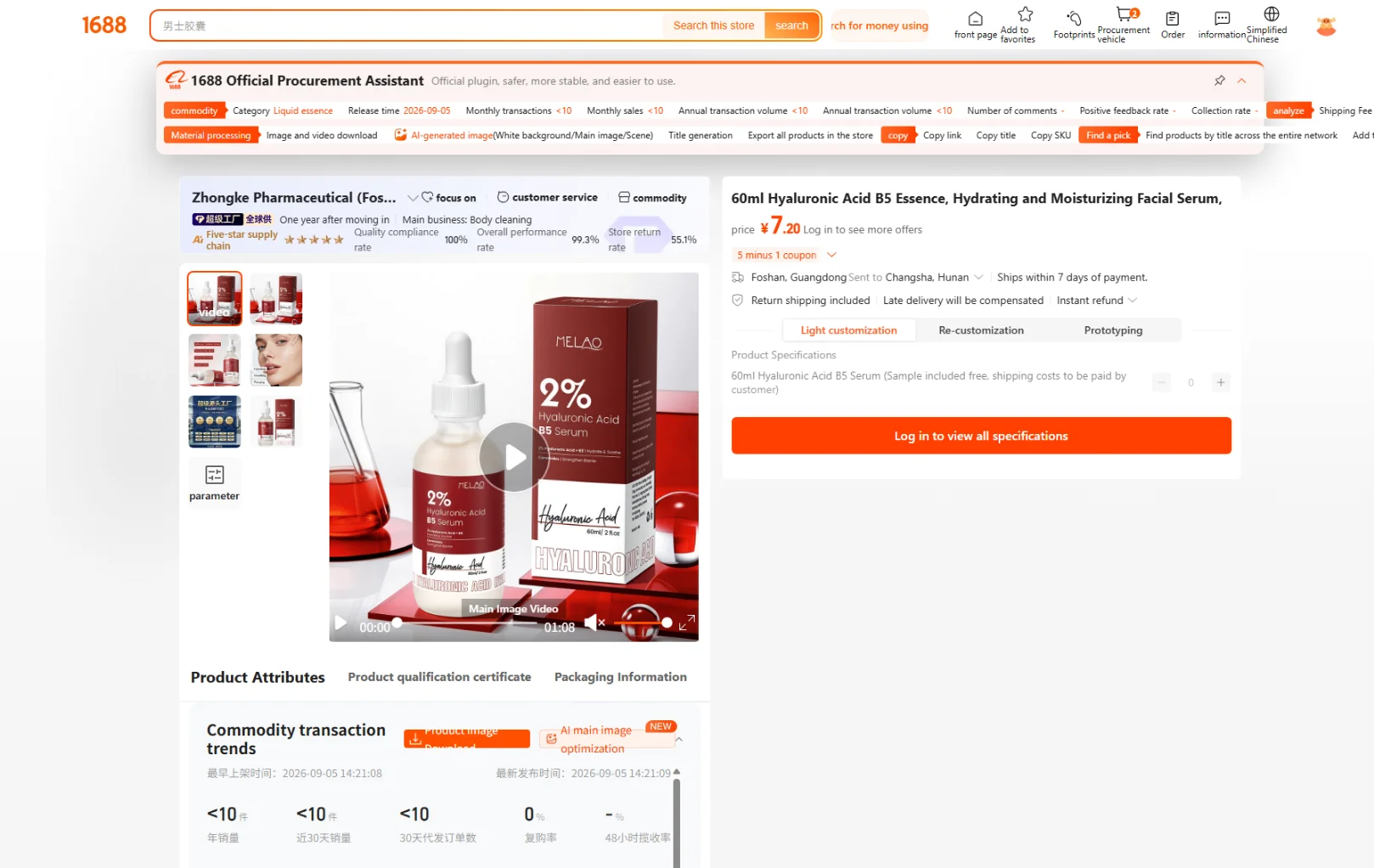
Click on an interesting product to open its corresponding 1688 product source link.
Review the product details, images, specifications, and supplier information on 1688.
Copy the product URL and save it in your bookmarks or product research spreadsheet for future reference.(Detailed tutorials are linked below.)
You can now build your own product shortlist and easily revisit potential products whenever you need them.For example, downloading beauty products
02. Find Products That Fit Your Business
Finding a popular product is only the beginning. Different industries have different sourcing, quality control, packaging, and shipping requirements. Supply-CN also provides industry-specific introductions and solutions to help businesses find products and understand the services they may need. For example, if you run a beauty and skincare store, you can explore our Beauty & Skincare industry category to discover relevant products and learn more about sourcing and fulfillment solutions. Depending on your product requirements,
HQ can help with:
Product Sourcing: Find suitable suppliers and compare product options and quotations.
Quality Inspection: Check product quality and specifications before shipment.
Custom Packaging: Create branded packaging for a more professional unboxing experience.
Warehousing & Fulfillment: Manage inventory, order processing, and packing.
Global Shipping: Arrange international delivery to your customers.
Whether you sell beauty products, baby products, home decor, or small electronics, HQ helps connect product discovery with the supply chain services needed to grow your business. Explore Our Industry Solutions
03. Explore Amazon Product Ideas
Besides 1688 product sourcing, you can also explore Amazon best-selling products through three additional HQ websites. Each website provides a separate product collection, giving you more opportunities to discover popular products and research potential ecommerce ideas. Explore the three product resources:
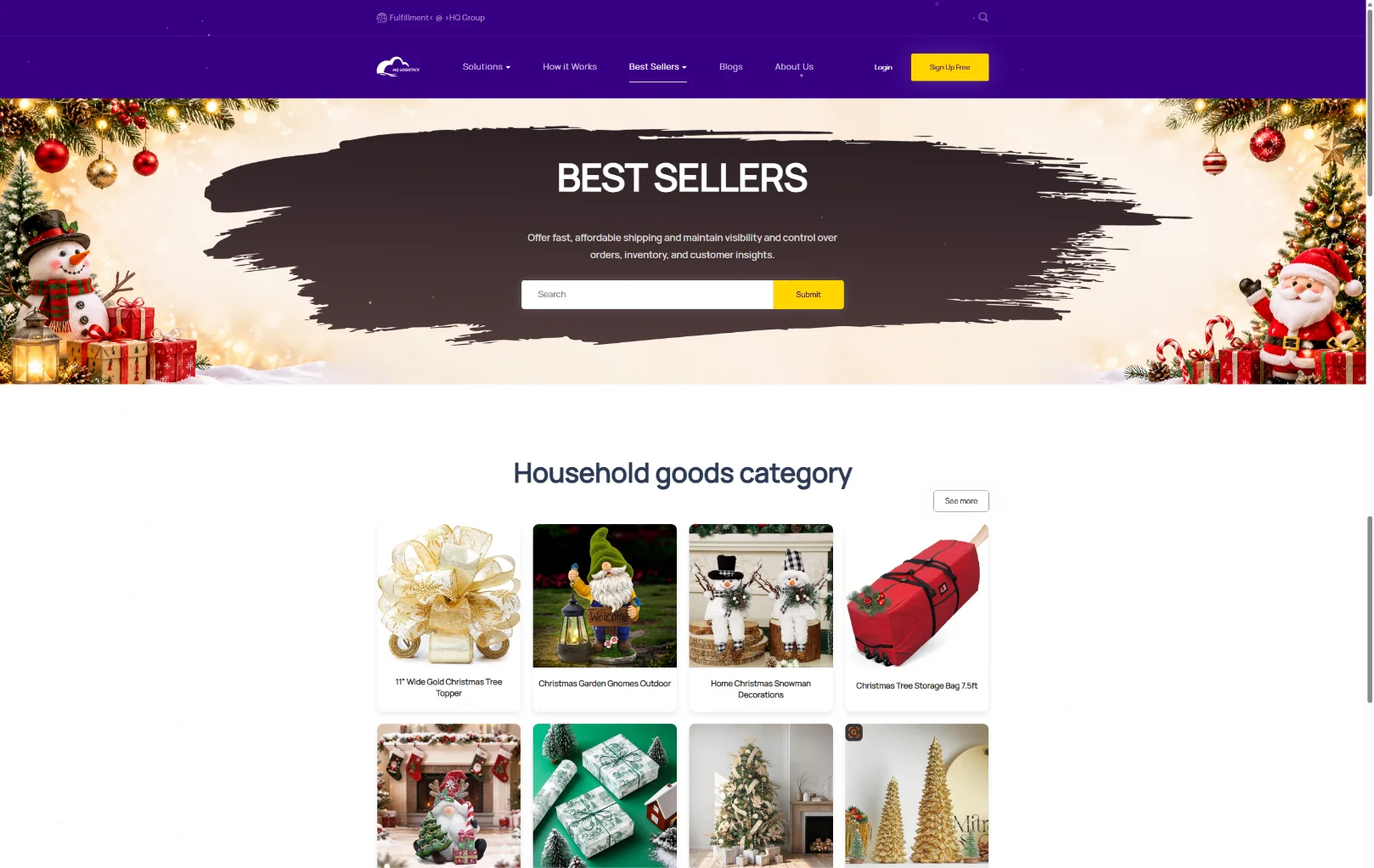
HQ Fulfillment – Best-Selling Products: Browse a collection of Amazon-related popular product ideas and explore potential products for your store.Explore HQ Product Catalog
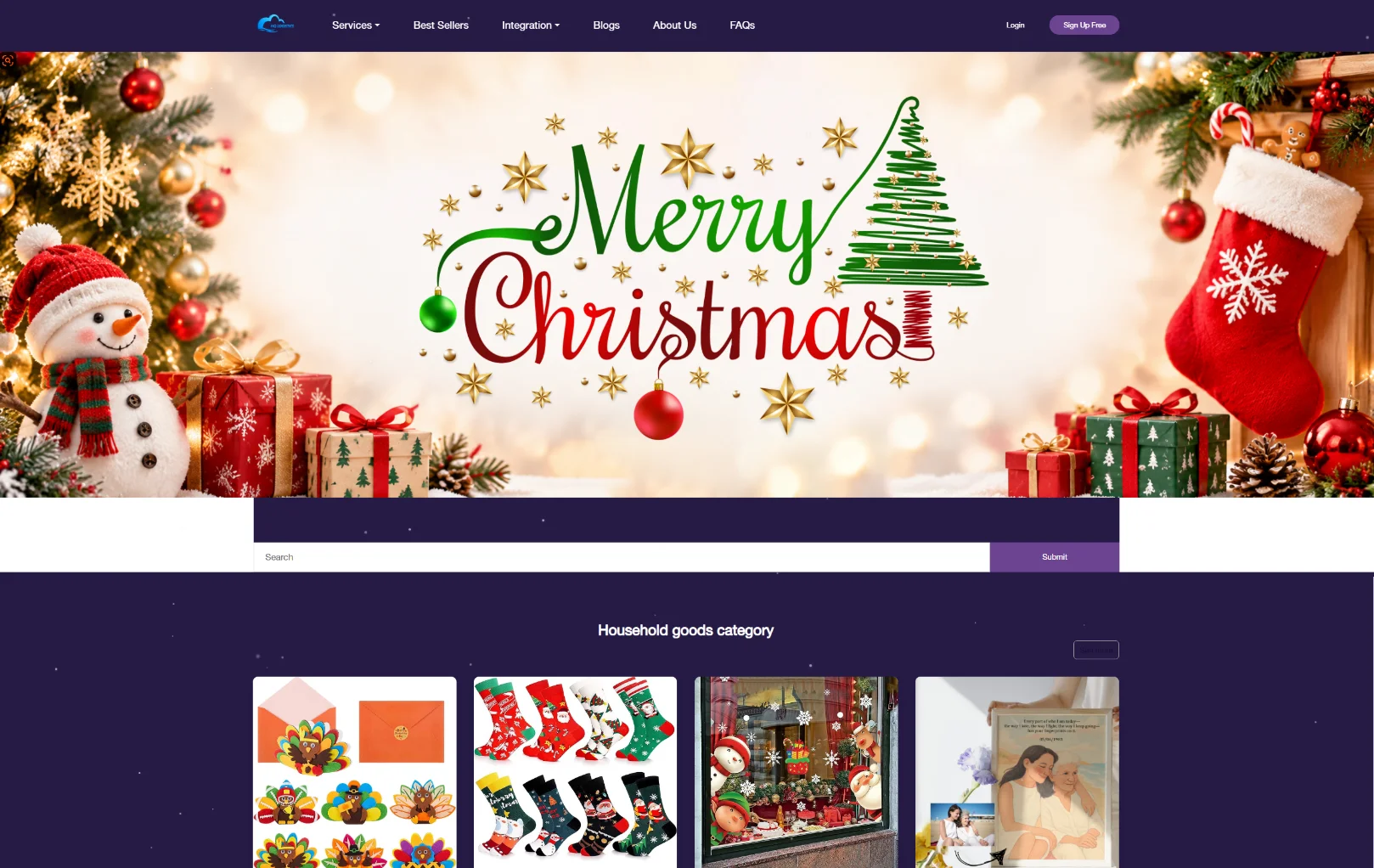
Fulfillment-CN – Product Collection: Discover another selection of popular products to expand your product research and compare potential selling opportunities.Browse Fulfillment-CN Products
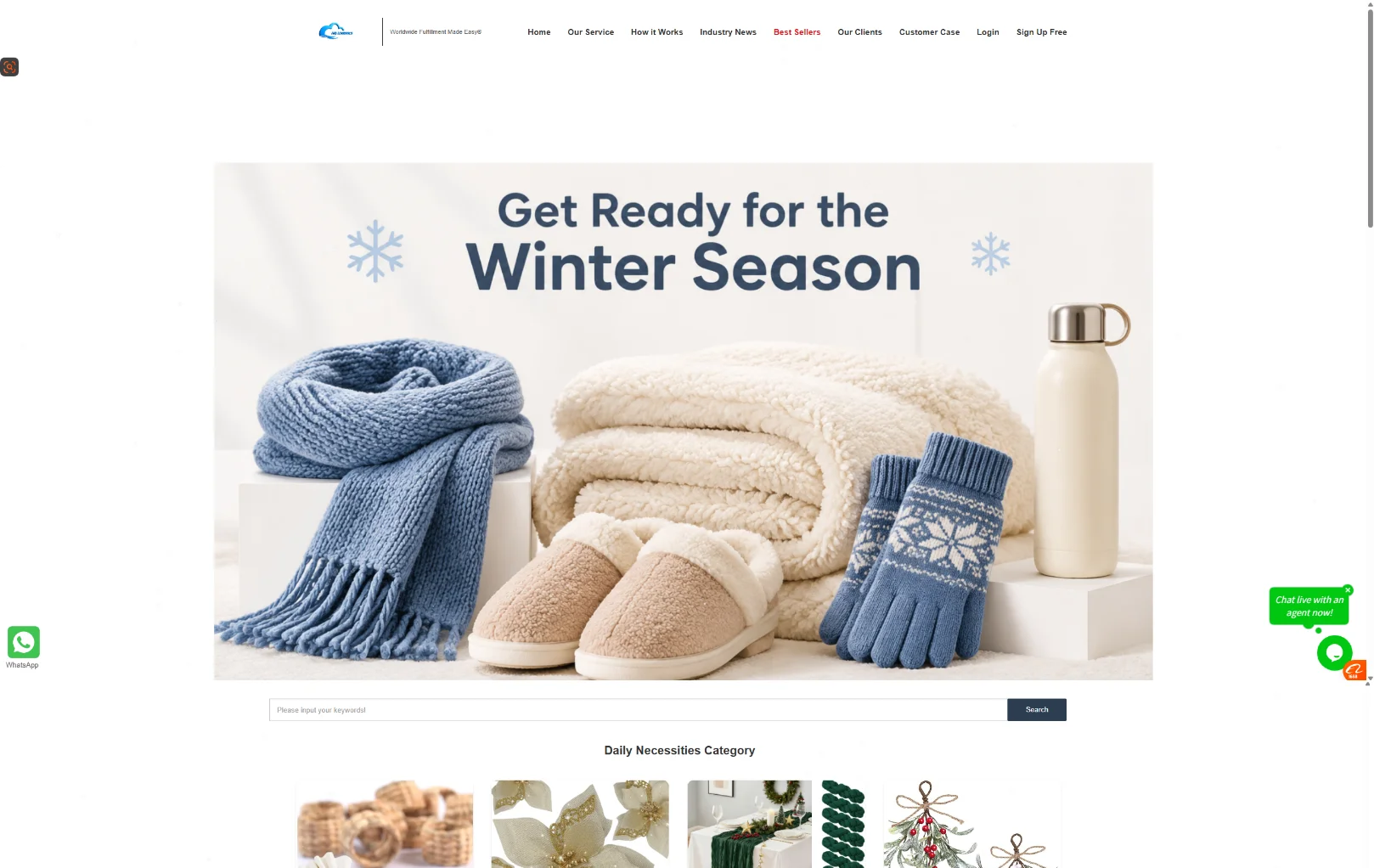
CN Fulfillment – Amazon Best Sellers: Explore its dedicated Best Sellers collection for additional Amazon product inspiration.Discover Amazon Best Sellers
These resources give you more ways to identify product opportunities beyond the 1688 marketplace.
04. Download Product Files and Import Products to Shopify
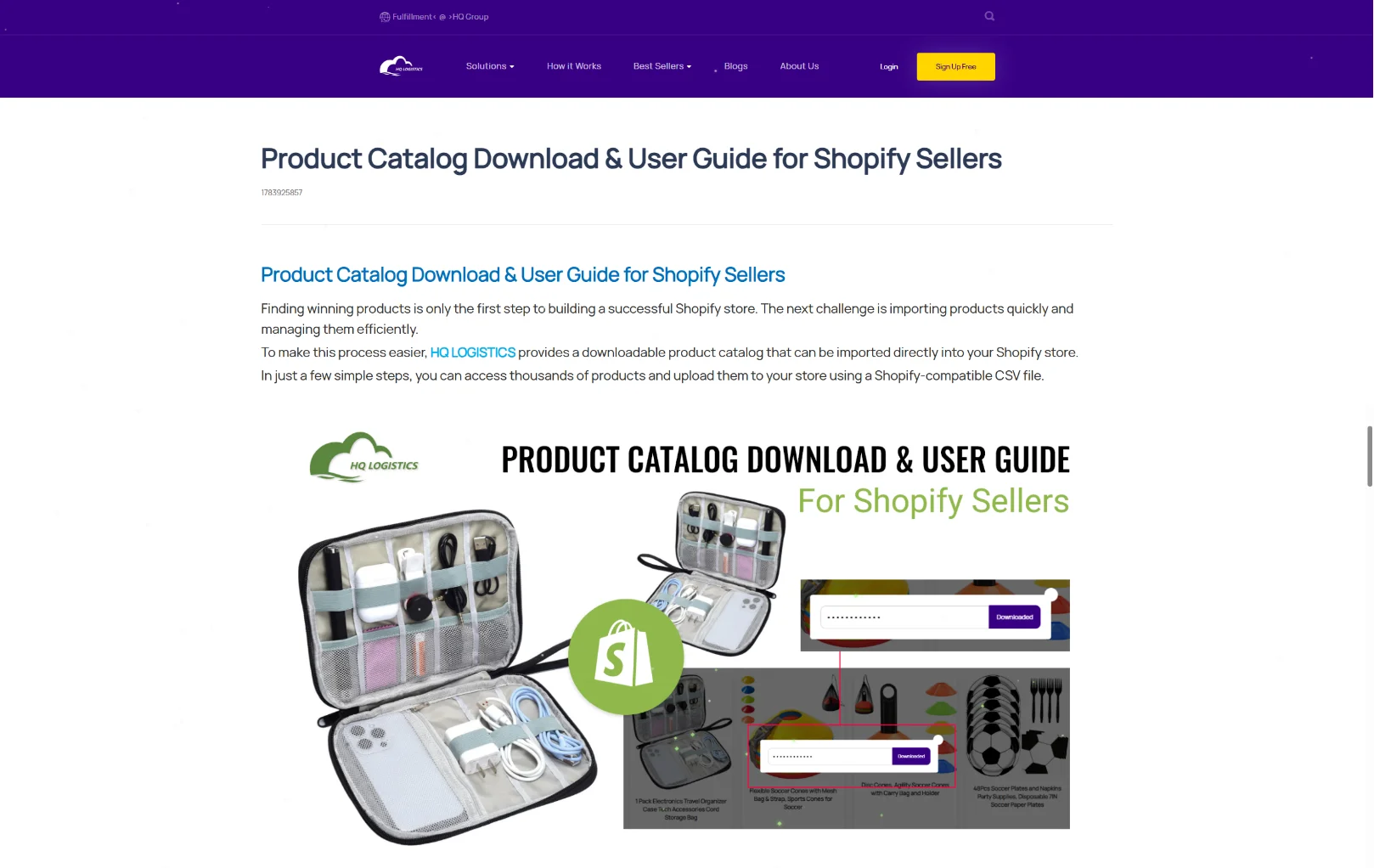
Found an interesting product? You can also download product catalog files and use them to prepare listings for your Shopify store. Follow our Amazon Product Download Guide for the detailed download instructions. How to download and import products:
Download the Product CSV File: Follow the tutorial to download the Shopify product catalog in CSV format.
Get Your Download Password: Contact your dedicated HQ Account Manager to obtain the password required to access the downloaded file.
Open Shopify Admin: Log in to your Shopify store and navigate to Products → Import.
Upload the CSV File: Select your downloaded product CSV file and follow Shopify's instructions to start importing.
Check Your Product Listings: After importing, review product titles, descriptions, images, variants, pricing, and other details. Make any necessary adjustments before publishing your products.
Important: Always review your imported product information before making products available to customers. Check that product details, prices, images, and inventory settings are accurate.
This process can help reduce manual product entry and make it easier to prepare your Shopify catalog.
05. Found a Product? Let HQ Help with the Next Step
Discovering a winning product is important, but finding the right supplier and building a reliable fulfillment process are equally essential. Once you find a product on Supply-CN or one of our partner websites, simply share its product source link with HQ. Our team can help you with:
Supplier sourcing and product quotations
Sample purchasing and product evaluation
Quality inspection and product checks
Custom packaging and private labeling
Inventory management and warehousing
Order fulfillment and international shipping
From finding products on 1688 to delivering orders to customers worldwide, HQ helps simplify your ecommerce supply chain. Found a product worth selling? Send us your product link and let HQ help you turn your product idea into a business opportunity. Contact HQ for Product Sourcing & Fulfillment