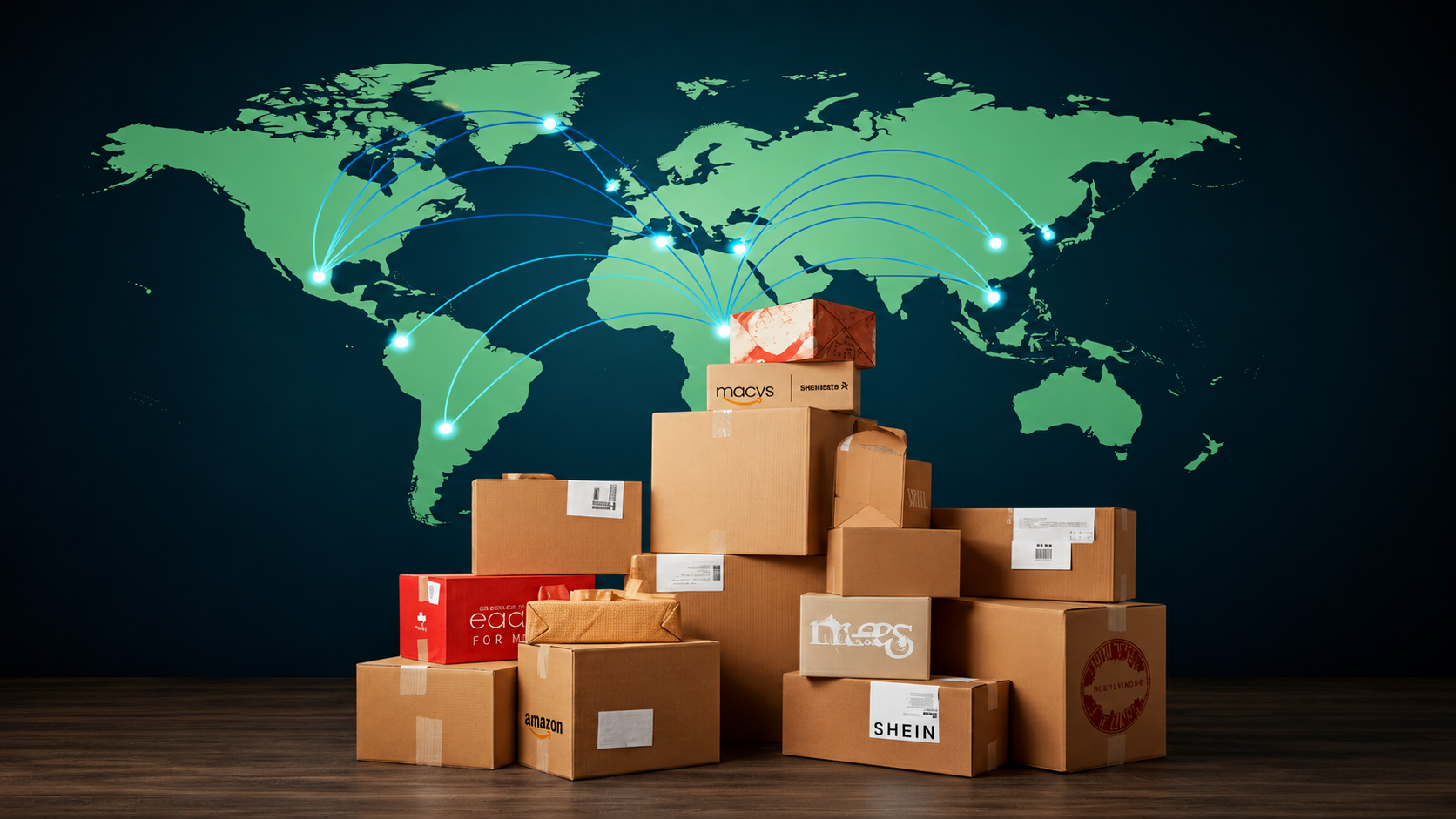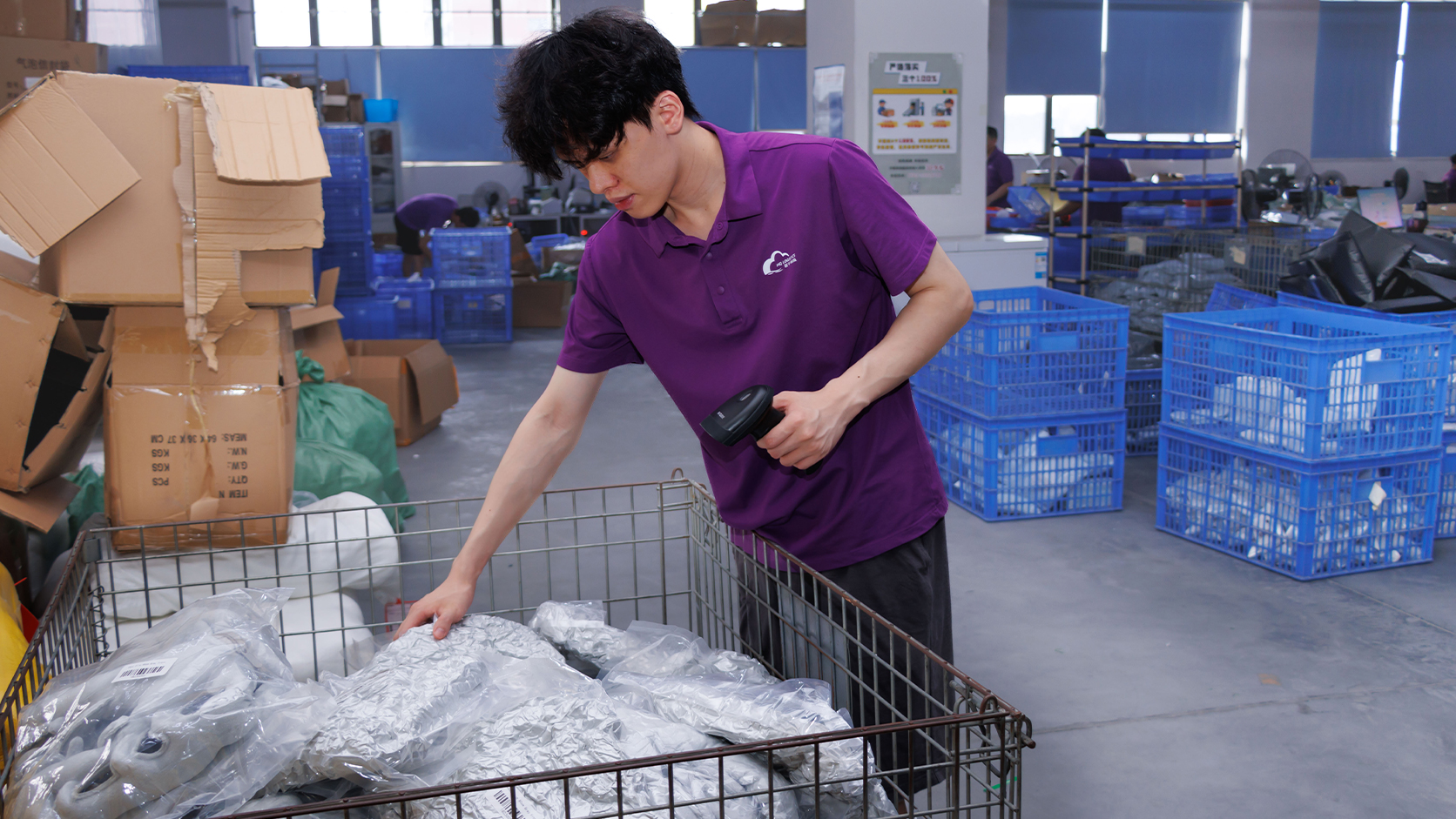

Illustrative operating scenario.
Customer support opens a ticket about an order marked shipped in the store. The warehouse has printed a label. The carrier page shows no pickup yet. Each update describes something real, but nobody can answer the customer's question without checking several messages.
Start with the order reference
The store order number stays with the order from payment through delivery. The warehouse job and carrier tracking number can be recorded alongside it. Give a split order a separate reference for each parcel, so a tracking scan on one box does not close the other. Keep the sellable SKU, quantity and ship-to destination on the same record so the team can find the correct line when a customer asks about a specific item.
Each update should have an owner and an event time, with a time zone the support team can read. A store update can come from an integration or from a person. In either case, the update needs to mean the same thing for the person who reads it later.
| Event | Evidence | Owner |
|---|---|---|
| Stock reserved | Reservation records the units and location | Inventory or order team |
| Packed | Pack check records the items and cartons | Warehouse |
| Label created | Tracking number is assigned to a parcel | Warehouse dispatch |
| Handed to the carrier | Collection acknowledgment or carrier acceptance scan | Dispatch or carrier |
| Delivery exception | Carrier event, first owner and time for the next update | Support or logistics |
A UPS tracking status guide distinguishes label creation from receipt into the carrier network. Decide which milestone your store will show as shipped. The Shopify order tracking options can display tracking details once the fulfillment has the correct parcel information.
Give the missing pickup a deadline
In this scenario, the support team sees the label event and the scheduled pickup window. After that window, dispatch checks whether the parcel is still on the dock. If it was collected, dispatch adds the collection evidence and checks the carrier's next scan. If it was left behind, dispatch records the new pickup and assigns support the next customer update. Use the one original order to carry all these decisions.
Check the record on a split order
Test the record on a normal order and on a split order with a delayed parcel. A colleague should be able to tell what has happened, what evidence supports it and who acts next. This is a practical starting point for an order fulfillment discussion.