How to Connect Ecommerce Platforms to Your Fulfillment System
Running an ecommerce business across multiple sales channels means managing products, orders, inventory, and shipping information from different platforms. Without a connected workflow, your team may spend too much time checking orders, matching SKUs, and updating tracking information manually.Connecting your ecommerce platforms to a fulfillment system helps bring these records into one coordinated operation.
With HQ Supply Chain, supported stores and marketplaces can connect to HQ's operating systems, allowing approved product, order, inventory, and tracking data to move through a defined fulfillment workflow.
Here's how to connect your ecommerce platforms to a fulfillment system and what you should prepare before setup.
1. Which Ecommerce Platforms Can Connect to HQ?
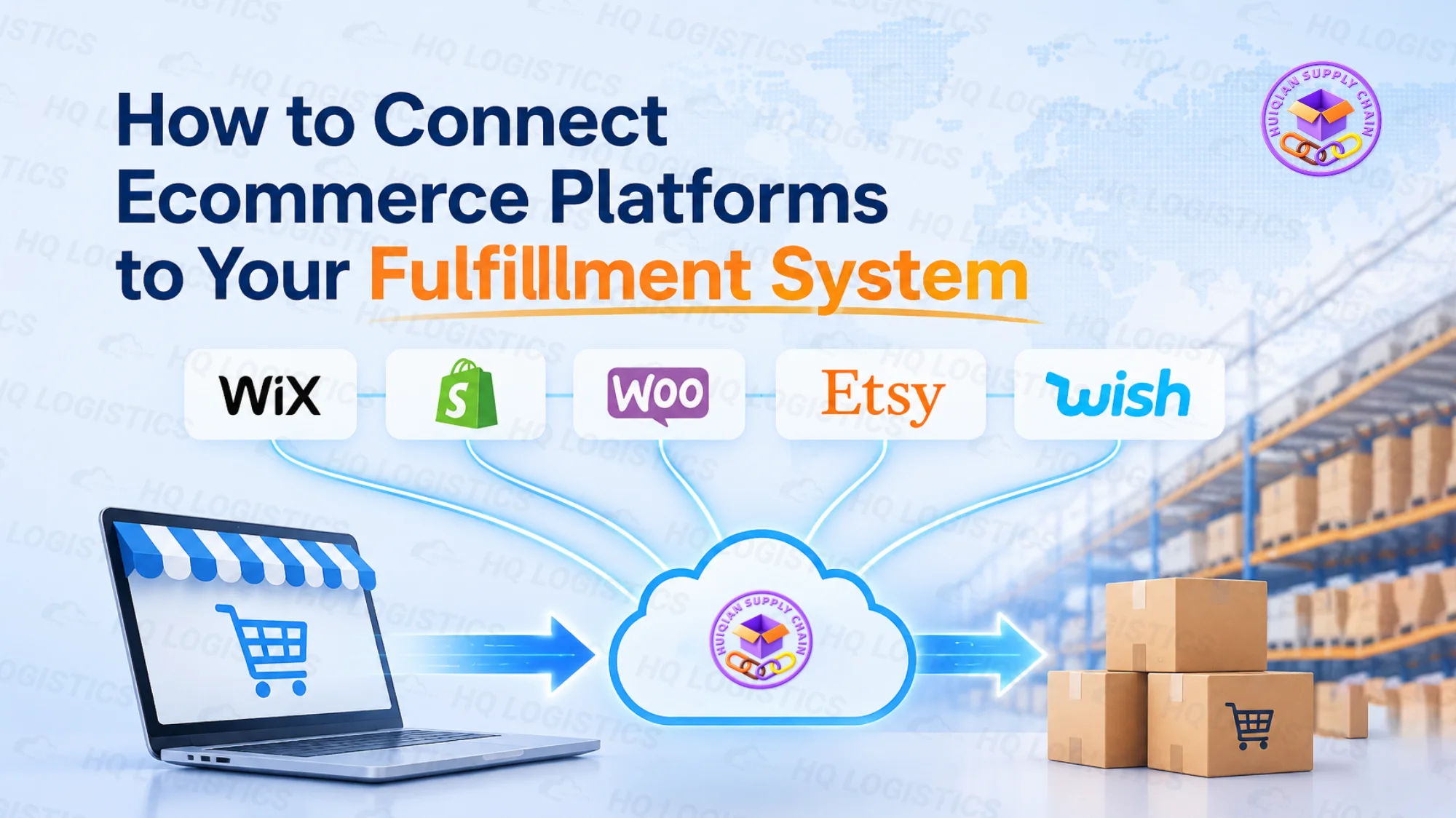
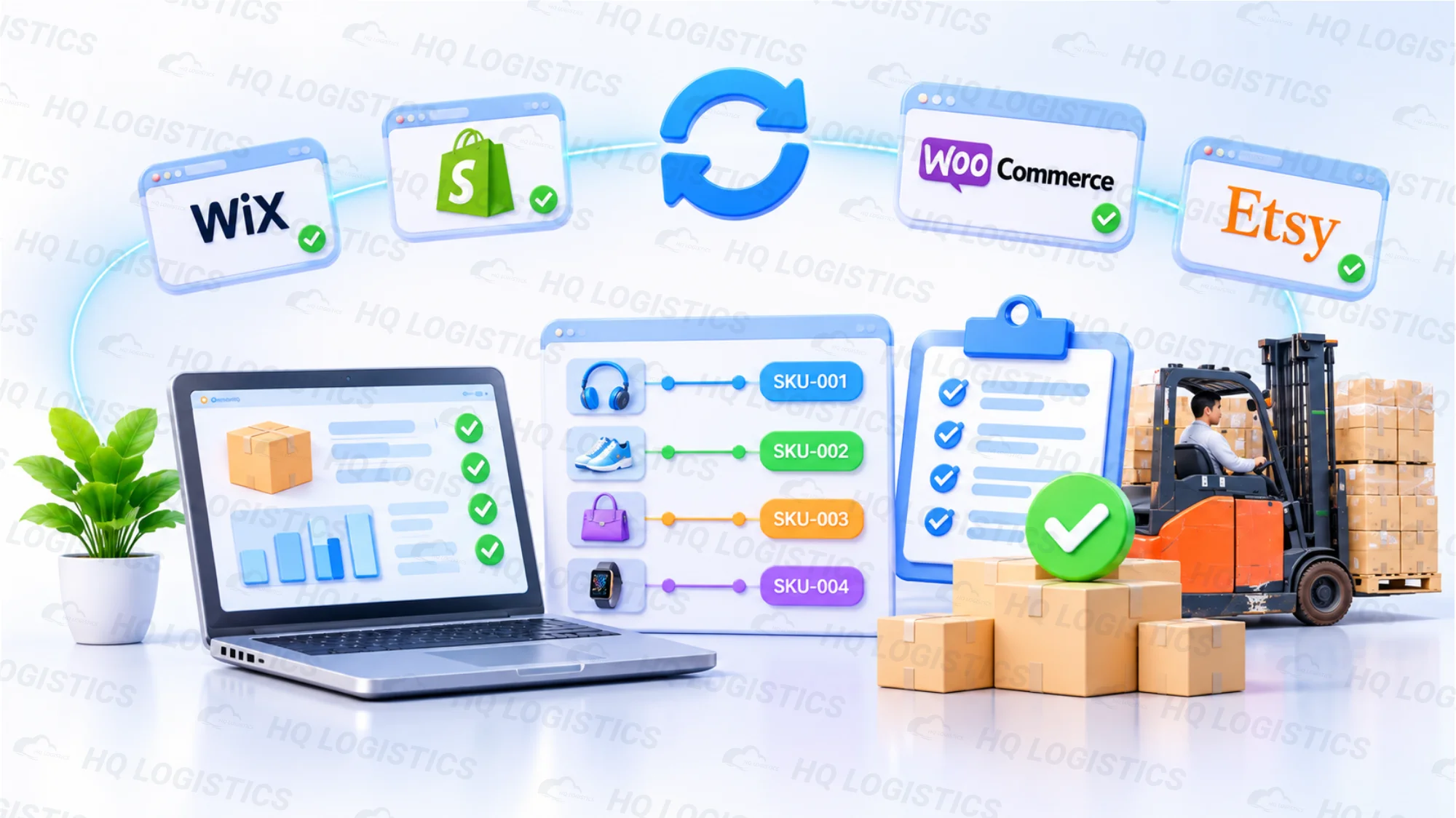
The first step is identifying the platforms where you currently sell.HQ's current integration offering includes:For Shopify, Etsy, eBay, Amazon, and WooCommerce, integration scope is confirmed during onboarding.
- Shopify: Connect your online store with HQ's fulfillment workflow.
- Etsy: Bring eligible marketplace orders into warehouse operations.
- eBay: Connect store records with the agreed fulfillment process.
- Amazon: Coordinate eligible marketplace orders with HQ's operating systems.
- WooCommerce: Connect your online store with inventory and order workflows.
Before setup, HQ reviews account access and the available fields for each channel.
2. Product and SKU Mapping: Match Every Product Correctly
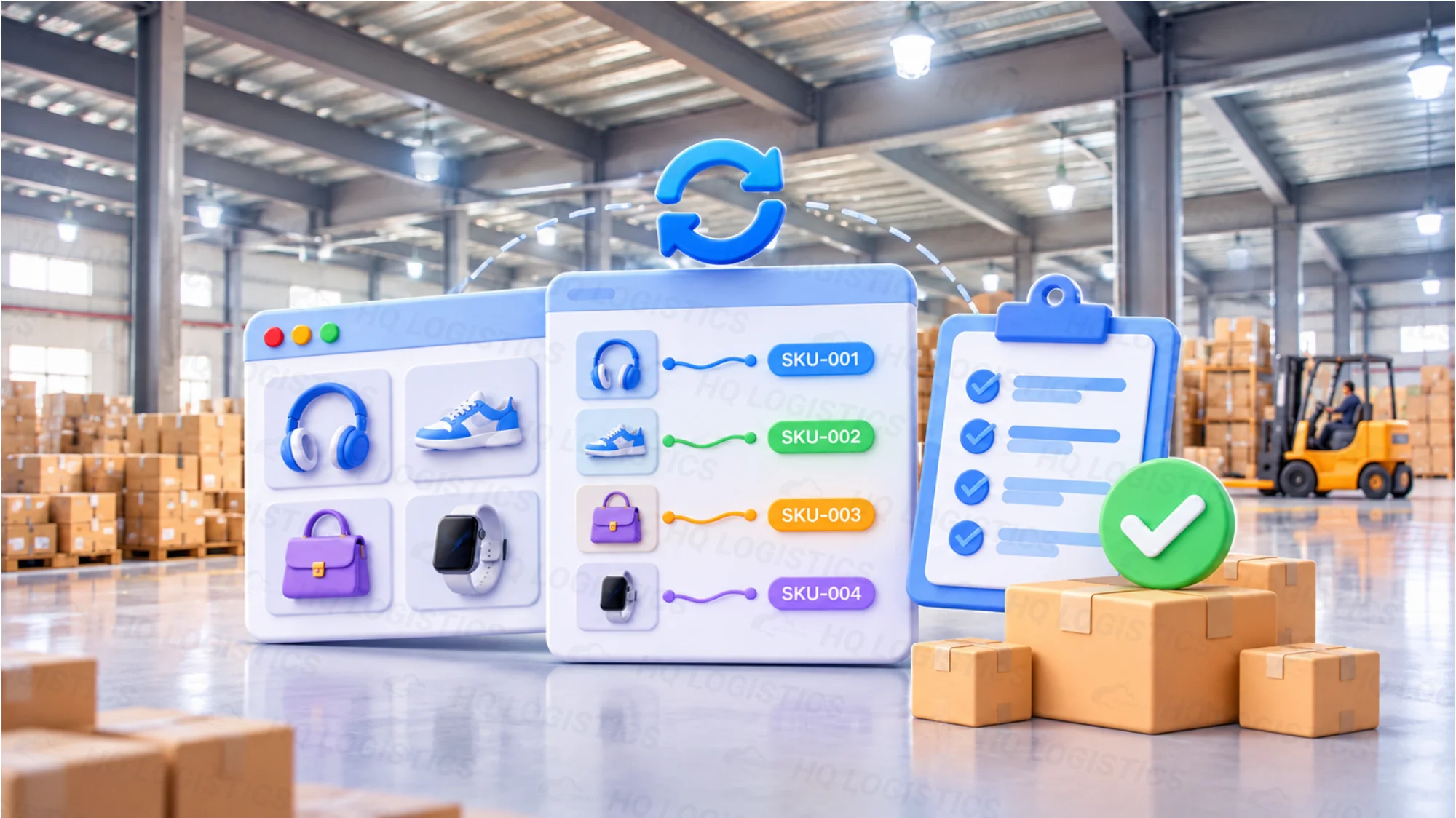
Product and SKU mapping is the foundation of a reliable fulfillment integration.Your ecommerce store and warehouse system need to recognize which warehouse product corresponds to each store listing.
For example, the same product might have different SKU codes across sales channels:
Shopify: BAG-BLK
Etsy: BLACK-BAG
HQ: BAG-001-BLK
If these records are not mapped correctly, an incoming order may not match the intended warehouse product.
The mapping process includes:
Collecting product and variant information from each connected channel.
Checking existing SKU naming conventions.
Identifying duplicate SKUs and bundle structures.
Matching store records with the corresponding HQ SKU.
Confirming that quantities and required product information are mapped correctly.
A shared SKU reference helps connect sales-channel records with warehouse inventory and fulfillment operations.
For growing ecommerce businesses, consistent SKU management also makes it easier to manage products across multiple stores.
3. Order Synchronization: Bring Eligible Orders into Your Fulfillment Workflow
After product mapping, the next step is connecting order information.HQ can bring eligible orders into an agreed fulfillment release queue with the fields required by the warehouse.
Depending on the supported channel, order information may include:
Order number
Product SKU and variant
Order quantity
Customer shipping address
Shipping choice
Other required order fields
The general workflow is:
Customer Places an Order → Ecommerce Platform → HQ Order System → Fulfillment Release Queue
Before orders are released, required information and mapping rules should be checked.
HQ documents the required order fields and exception-handling process during setup. This helps prevent incomplete or incorrectly mapped orders from entering normal fulfillment operations unnoticed.
The goal is not simply to transfer order data, but to make sure the warehouse receives the correct information to process each eligible order.
4. Inventory Updates: Keep Stock Information Connected
When you sell across multiple platforms, inventory consistency becomes increasingly important.For example, a product may be available on Shopify and Etsy at the same time. If one channel receives an order, the available stock information on other connected channels may also need updating.
HQ supports inventory updates according to the agreed channel workflow.
Before activating inventory updates, several details need to be confirmed:
Inventory source
Decide which system serves as the main reference for stock information.
Update frequency
Agree on how frequently supported inventory data should be returned to connected platforms.
Safety stock
Determine whether a quantity should be reserved to reduce the risk of overselling.
Exception handling
Define what happens when product mapping, inventory availability, or stock records do not match.
Inventory update availability varies by channel, so these rules should be agreed upon before the integration goes live.
5. Tracking Updates: Return Shipment Information to Your Store
Once an order has been processed and shipped, customers need access to delivery information.HQ supports returning shipment and tracking data to connected sales channels where the workflow is available.
The process generally includes:
The warehouse processes the order.
Shipment and carrier information is recorded.
Supported tracking or operational status updates are sent back to the store.
Your team can use the returned information to monitor order progress.
The exact carrier data, update trigger, and failure-handling process are confirmed during setup.
If a tracking update fails, the issue remains visible for review rather than being silently ignored.
This gives your team a clearer way to identify shipment information that needs attention.
6. How to Connect Your Store to HQ: Three Steps
HQ follows a structured process to connect stores and marketplaces with its fulfillment operations.Step 1: Confirm Channels and Required Fields
Start by listing the ecommerce platforms you want to connect.
Then confirm:
Which stores and marketplaces are included
Existing SKU and variant rules
Required order information
Inventory update requirements
Tracking information that needs to return to each channel
At this stage, HQ reviews account access and confirms the supported fields and update directions.
Step 2: Connect and Test Records
Before processing normal order volume, HQ maps representative products and orders.
The test checks whether:
Products match the correct HQ SKUs.
Variants and quantities are mapped correctly.
Required order information is complete.
Orders enter the agreed release queue.
Supported inventory updates work as expected.
Tracking information returns correctly where supported.
The exception path is also checked so that incomplete or failed records remain visible for review.
Testing with known records helps identify mapping problems before they affect live orders.
Step 3: Release the Live Fulfillment Workflow
After testing and approval, the connection can be released for normal order processing.
Eligible orders enter the agreed fulfillment workflow, while failed or incomplete records remain visible for further review.
This approach helps your team move from manual order handling to a more organized process without skipping important checks.
7. Common Integration Problems to Avoid
Even when a platform supports integration, incorrect configuration can still create problems.Inconsistent SKU Structures
Different SKU codes for the same product can cause mapping errors. Establish clear SKU rules and review product variants, duplicate codes, and bundles before going live.
Missing Order Fields
Incomplete addresses, quantities, or shipping information can prevent orders from entering the correct workflow. Confirm the required fields for each platform during setup.
Inventory Mismatches
Different channels may display inconsistent stock information. Agree on the inventory source, update frequency, safety stock, and exception behavior for each channel.
Tracking Update Failures
Shipment information may not return to the store as expected. Confirm the update trigger and make sure failed updates remain visible for review.
A reliable integration should make exceptions easier to identify, not hide them behind an apparently automated process.

Frequently Asked Questions
1. Which ecommerce platforms can HQ connect?HQ's current public integration offering lists Shopify, Etsy, eBay, Amazon, and WooCommerce. Wish sellers can contact HQ to confirm integration availability and supported functions.
2. Will every product and variant synchronize automatically?
Not necessarily. Existing SKU conventions, bundles, duplicate codes, and variant structures need to be reviewed before live order release.
3. Can inventory update across multiple sales channels?
Supported inventory updates can be configured. The inventory source, update frequency, safety stock, and exception behavior must be agreed upon for each channel.
4. Can tracking information automatically return to my store?
Tracking updates are available for supported channel workflows. Carrier data, update triggers, and failure handling are confirmed during setup.
5. Can I connect multiple ecommerce stores to HQ?
HQ can review your store platforms, account requirements, and order volume to determine the suitable integration setup.
Connect Your Ecommerce Stores with HQ Supply Chain
Connecting your ecommerce platforms to a fulfillment system is about more than transferring orders. Product mapping, inventory updates, tracking information, and exception handling all need to work together.HQ Supply Chain helps ecommerce businesses connect supported stores and marketplaces with its operating systems through a tested fulfillment workflow.
From product and SKU mapping to order synchronization, inventory updates, and tracking information, each connection is configured according to the channel's capabilities and your operational requirements.
Ready to connect your store? Tell HQ where you sell, how your SKUs are structured, and which updates need to move between your store and fulfillment system.
Visit HQ Store & Marketplace Integration to learn more or contact HQ Supply Chain to discuss your requirements.